Everything an estate needs, and the detail behind each part.
Written for the person who will actually operate it. Where something has a limit, the limit is named rather than left to be discovered in week three.
Get onto the machine, whatever state it is in.
Unattended control for anything enrolled, and a code-based session for a machine that is not — or a user who should be watching.
- Unattended control of any enrolled endpoint, no user present
- Attended sessions from a short code the user reads out
- Multiple monitors, switched without reconnecting
- Clipboard in both directions, including between different machines
- File transfer both ways, with a browsable remote file system
- Ctrl+Alt+Del, lock, sign out, restart — the keys the OS reserves
- A native viewer for Windows, and the same session in a browser
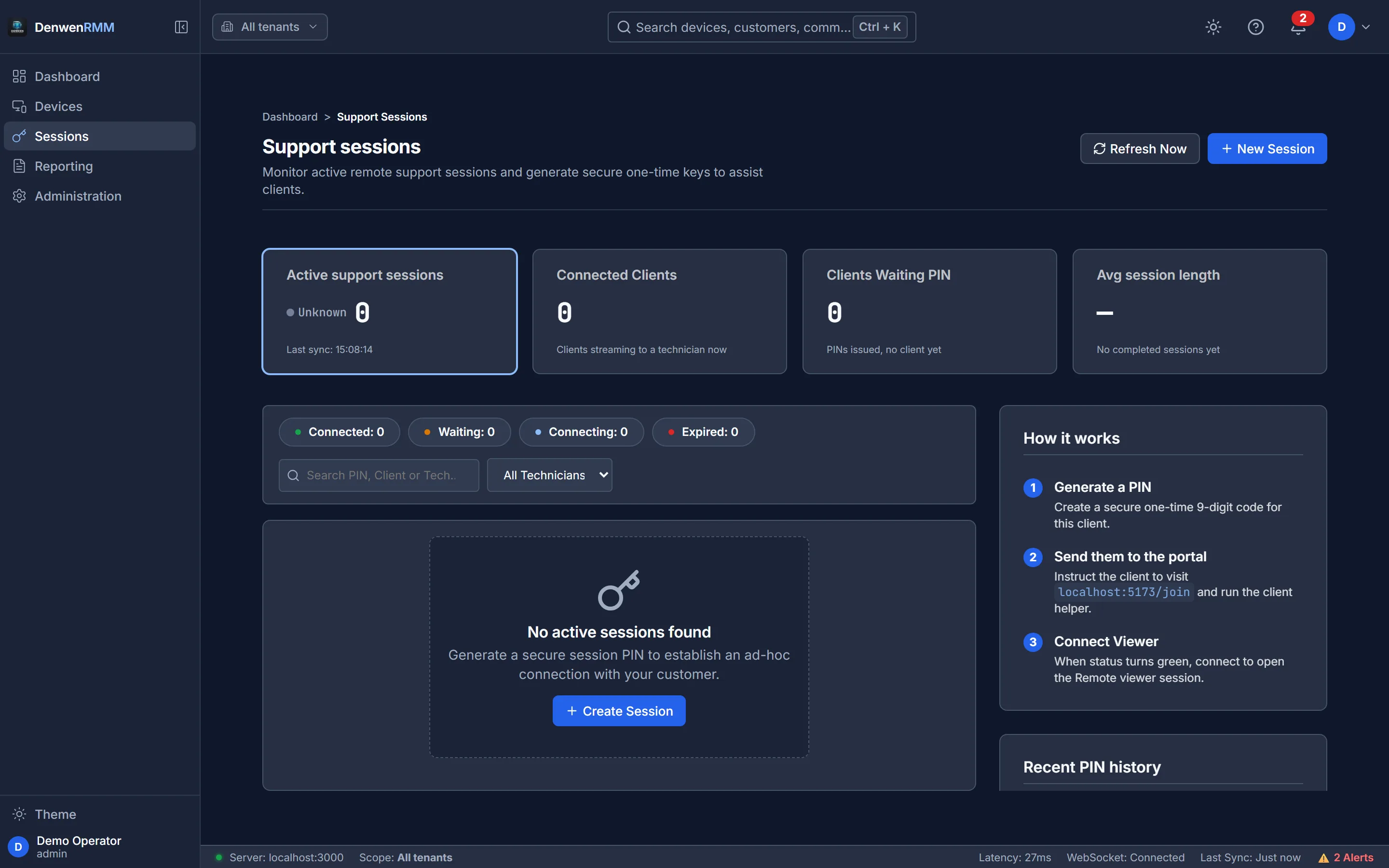
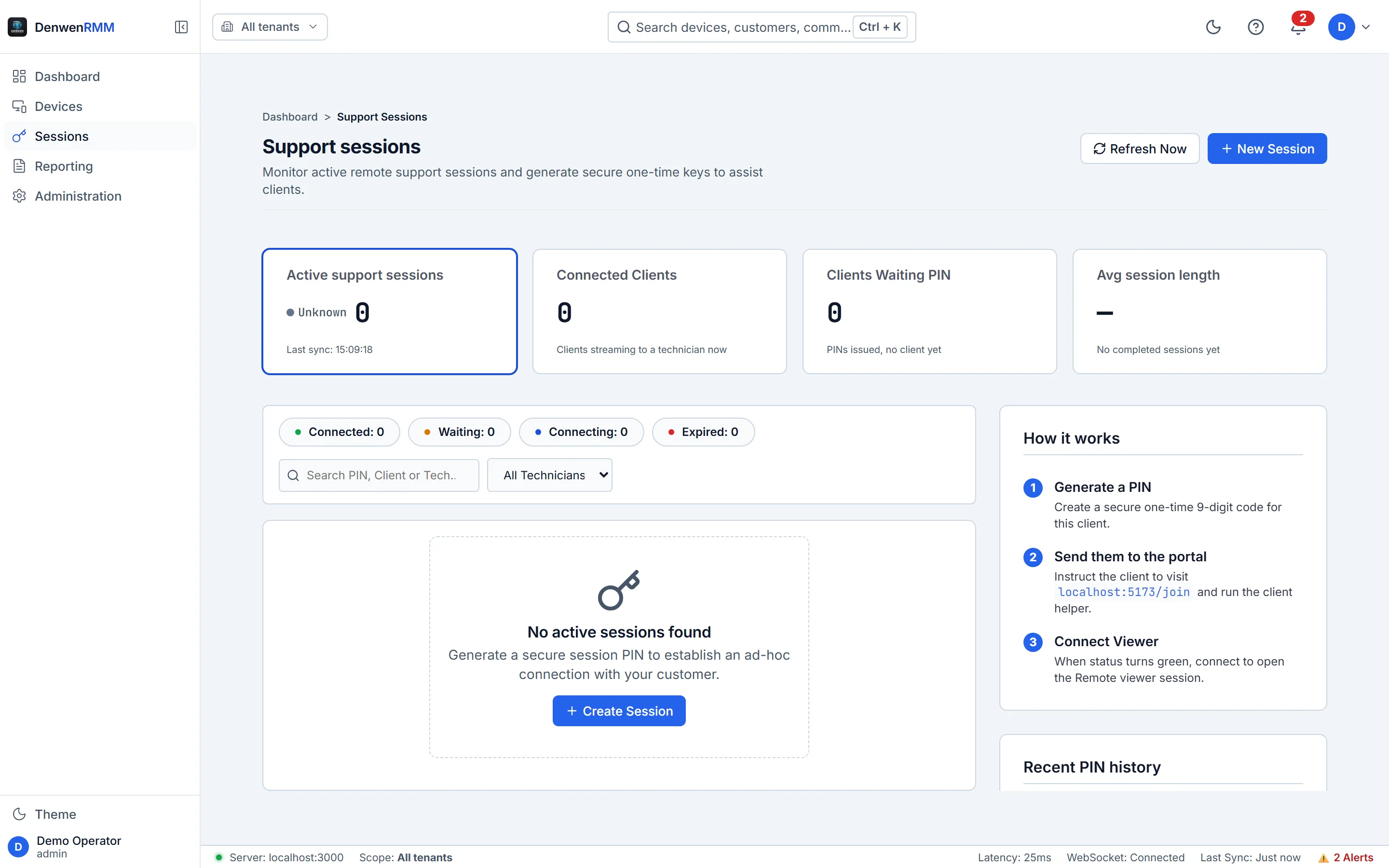
The detail that matters
Sessions are recorded by default and the person at the endpoint is told so — a notice appears on their screen naming the retention period their own organisation set, and an indicator stays in the notification area for as long as the recording lasts.
That notice is drawn by the process doing the capture, not by a tray helper that might not be running. If there is a recording, there is a notice.
A machine that stops reporting is a fact, not a gap.
Continuous telemetry
CPU, memory, disk, network, services, running processes and event logs, arriving on a schedule the platform sets — not sampled when somebody happens to open a page.
Alert rules and delivery
Thresholds per metric and severity, delivered by email or webhook, with a delivery history that records whether the message actually left the building.
Health you can interrogate
Every figure on a dashboard traces back to a measurement. Nothing is derived from a device id or estimated to fill a card.
Scan, schedule, deploy, and evidence it afterwards.
Windows Update, driven from one console, with the maintenance window and the audit somebody will ask for later.
- Automatic fleet-wide scanning on a schedule you set
- Approve by classification, or pin specific KB numbers in or out
- Maintenance windows, so nothing reboots a till during trading
- Deployment progress per device, with failures kept rather than cleared
- Pending-reboot visibility across the estate
- A policy per tenant, so one client’s risk appetite is not another’s
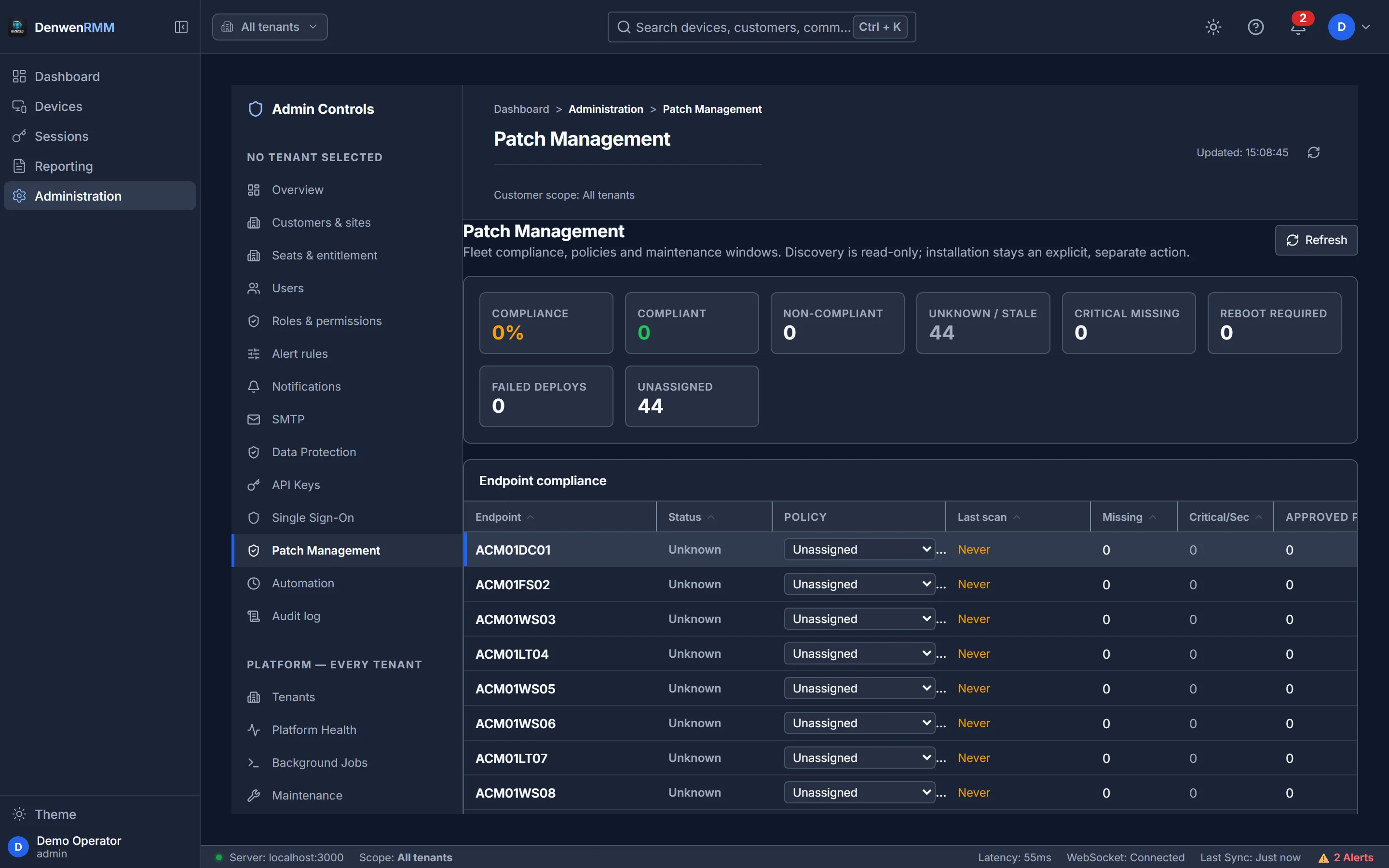
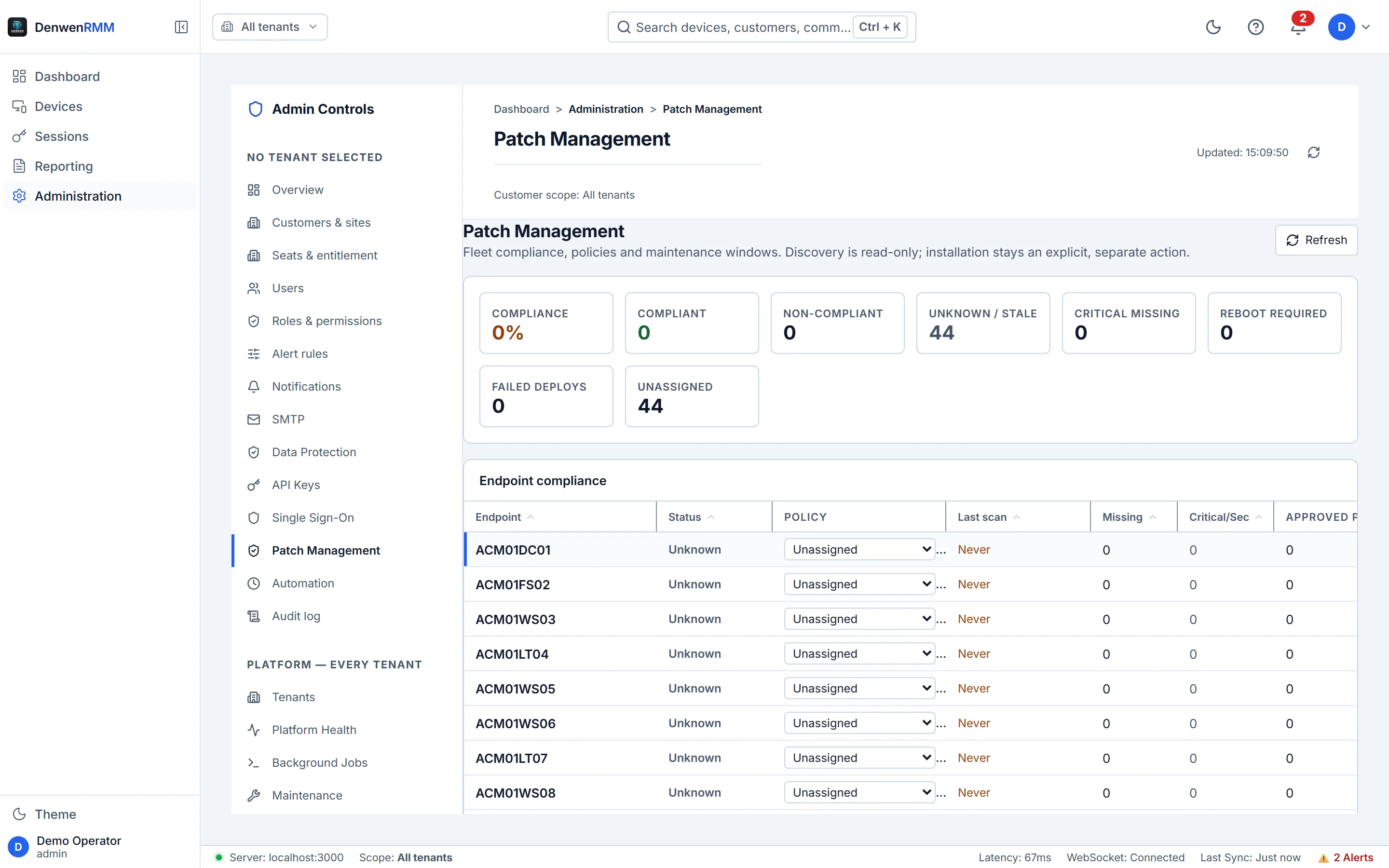
Detection is universal; remediation is policy-gated
Every endpoint reports what it is missing whether or not it is allowed to install it. You always know the exposure, even on machines where you have chosen not to let the platform act — which is the position most regulated estates are actually in.
Run it once, or run it every Sunday at 02:00.
Script library
PowerShell and batch, stored once with parameters, run against a device, a site, a customer or an entire tenant.
Scheduled tasks
One-off, interval, daily, weekly or monthly. “All endpoints” resolves inside the task’s own tenant — never the whole instance.
Software control
Full inventory with versions and install dates, and remote uninstall when something should not be there any more.
Every client separated at the route, not by a filter.
If you manage other people’s estates, this is the part that decides whether the platform is usable at all.
A tenant has its own customers, sites, devices, operators, roles, alert rules, mail relay, retention policy and identity provider. An operator scoped to one of them asking about another gets no such tenant — a 404, not a 403 — so the console cannot be used to establish that a competitor is a client of yours.
- Unlimited tenants, customers and sites
- Editable roles, with per-assignment site scope
- A tenant hierarchy for providers who resell through partners
- Per-tenant SSO: each client signs in against their own directory
- Per-tenant API keys that cannot reach outside the tenant that issued them
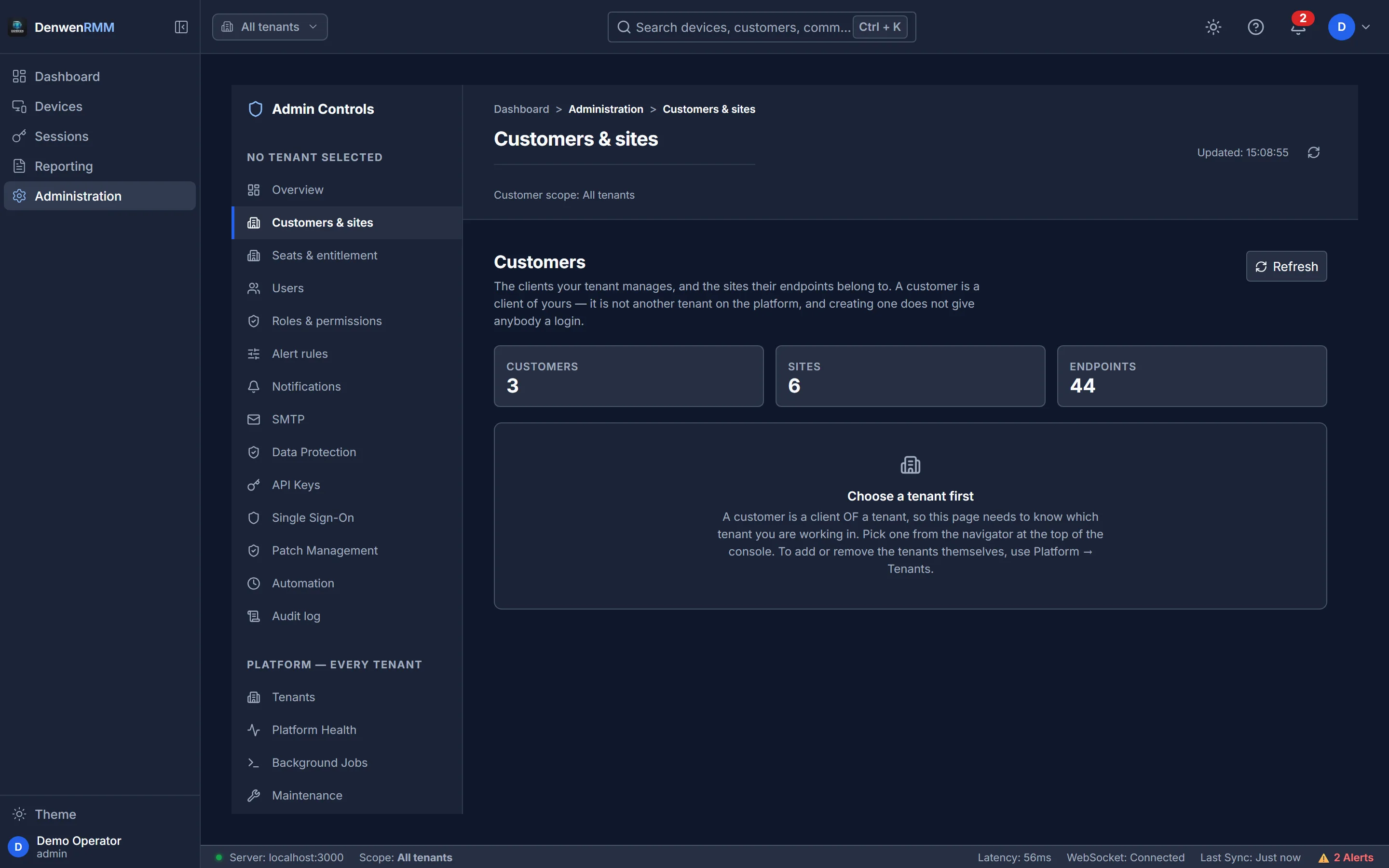
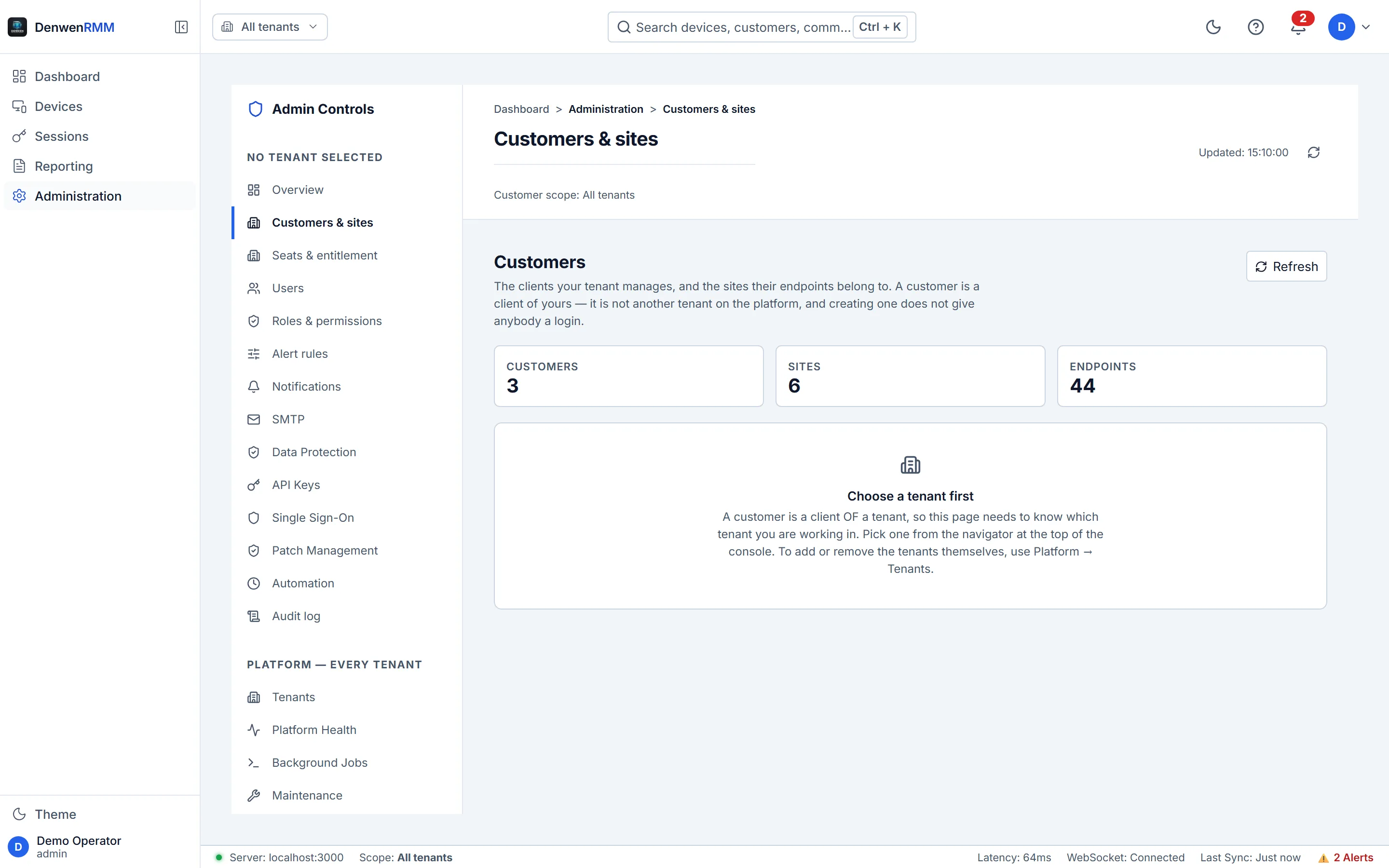
Onboarding a client
Create the tenant, create the site, download one installer. The site travels inside the executable rather than in its filename, so a renamed copy still enrols to the right place — and an installer for one tenant cannot enrol a machine into another.
The parts nobody advertises and everybody needs.
Wake-on-LAN
Wake a machine on its own subnet before a maintenance window rather than after it.
Session playback
Recordings kept for the period the tenant chose, encrypted at rest, deleted on schedule.
Audit trail
Append-only, enforced by the database rather than by convention.
Agent updates
Signed installers, verified by the agent before it will replace itself.
See it on your own estate
A trial runs on your real endpoints, not a sandbox, and needs no payment details. Install the agent on ten machines and judge it on what it reports back.