Every endpoint you look after, on one screen.
Monitor, patch, automate and take control of Windows estates — for your own company or for every client you manage. Fully hosted, running within minutes of you buying it.
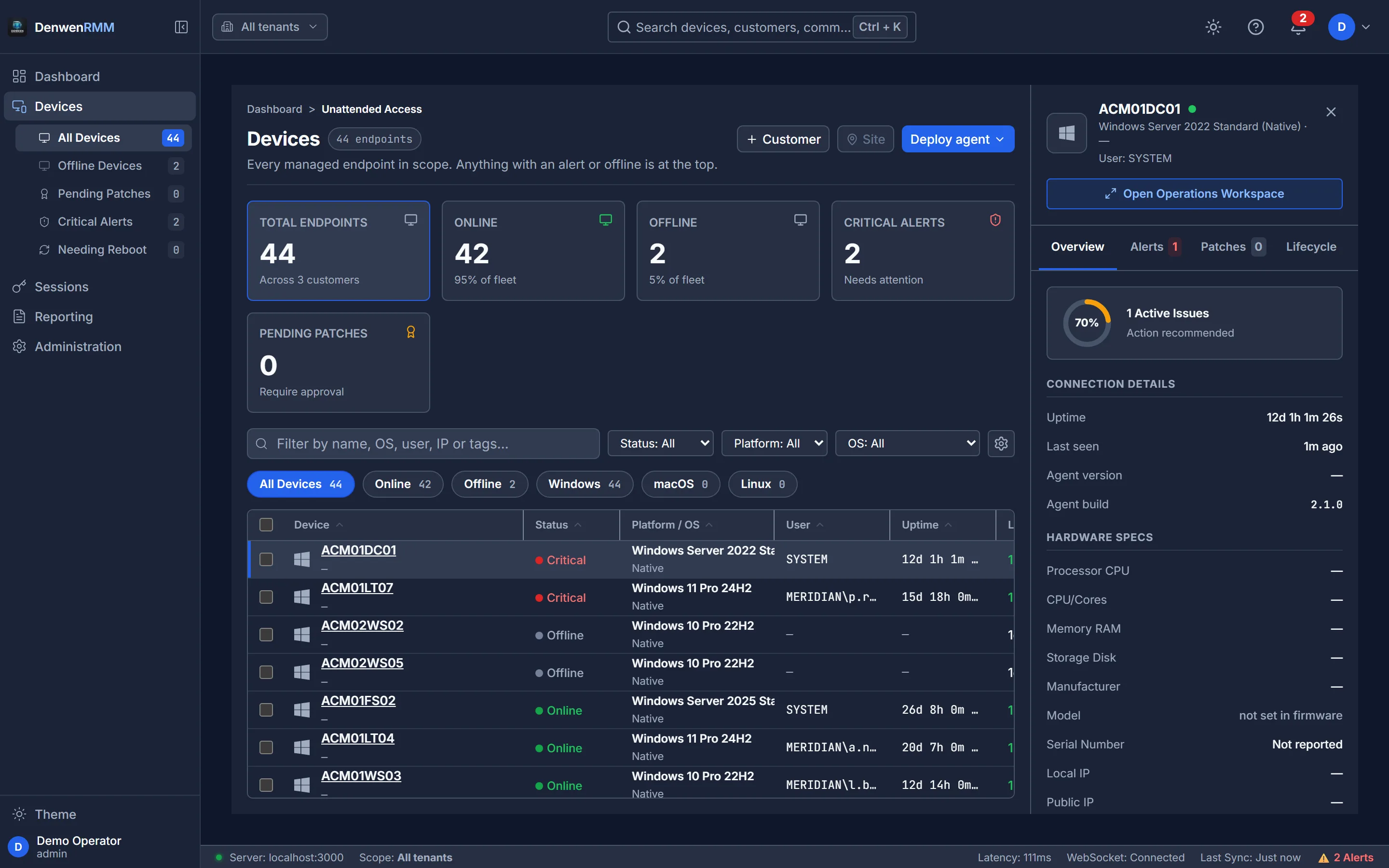
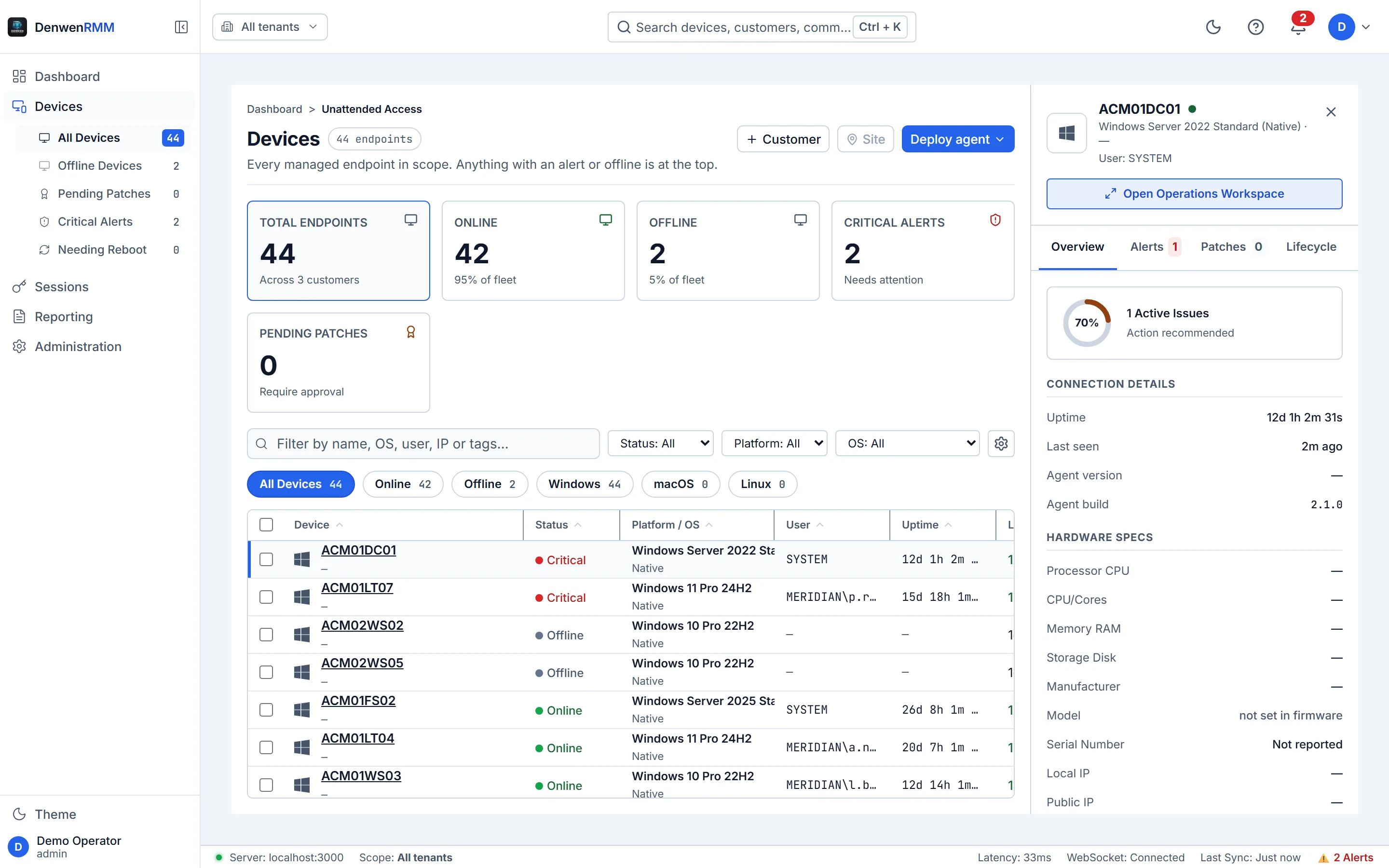
What the agent reports on, out of the box
Patch four hundred machines without losing a Friday.
Scan the estate continuously, approve by classification or by KB, and deploy inside a maintenance window that respects a trading floor or a production line. Progress is per device, and a failure stays on the screen instead of being cleared.
- Detection everywhere, even where you have not permitted remediation
- A policy per tenant — one client’s risk appetite is not another’s
- Pending reboots visible across the estate, not per machine
- Deployment evidence kept for the audit that asks about it later
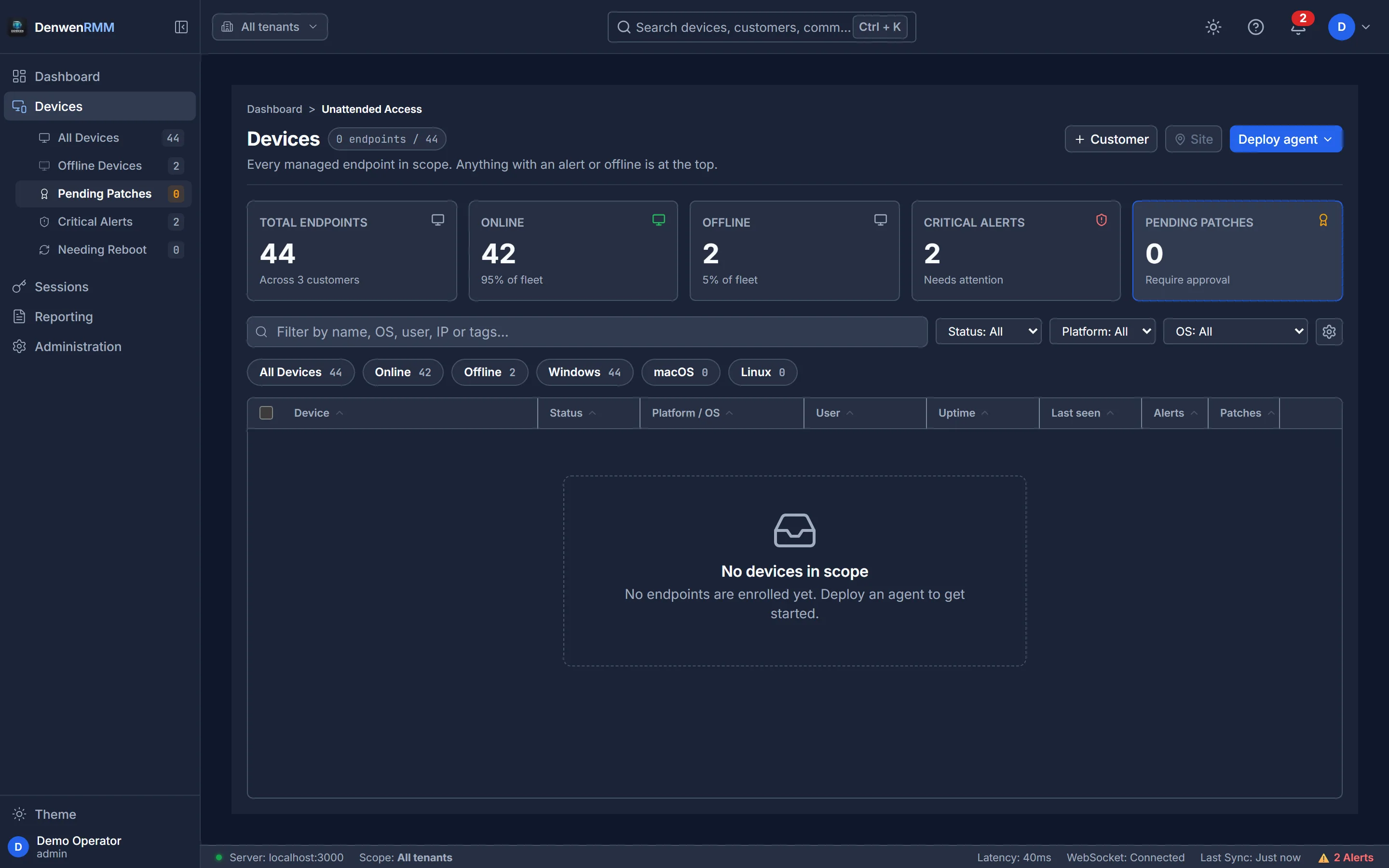
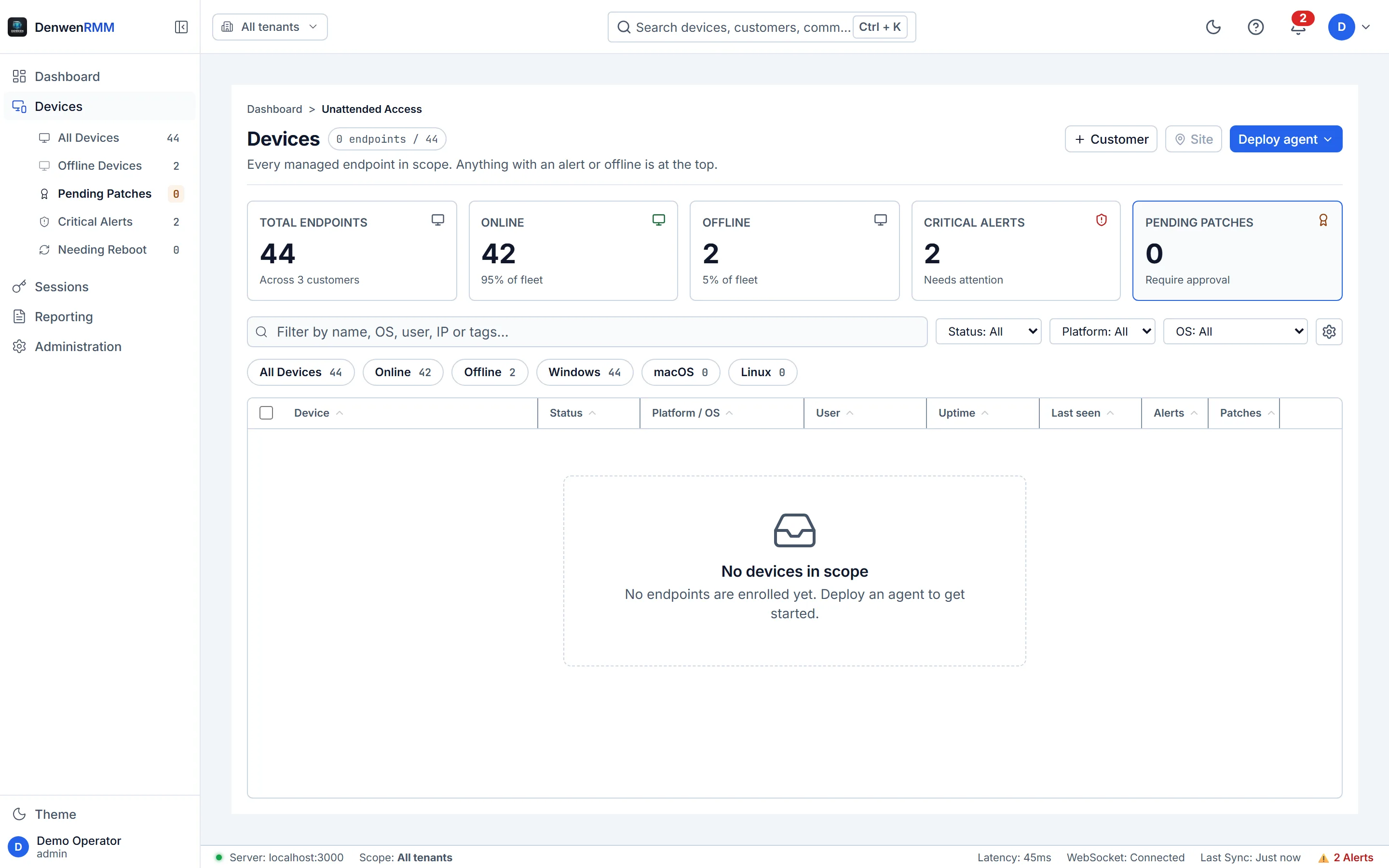
Get onto the machine, whatever state it is in.
Unattended control of anything enrolled, and a short code for anything that is not. Multiple monitors, clipboard both ways, file transfer, and the key combinations the operating system reserves for itself.
Sessions are recorded by default and the person at the endpoint is told — a notice naming the retention period their own organisation set, drawn by the process doing the capture rather than by a helper that might not be running.
Nine alerts, one cause, in the time it takes to read them.
Summarise an alert storm, review a script before it runs on four hundred endpoints, explain what a patch actually does, or find devices by describing them.
Two ways to run it, and the difference is where the prompt goes: our managed model with a per-tenant allowance, or your own — any OpenAI-compatible endpoint the platform can reach, including one you run yourself, so no third-party model provider ever sees your estate.
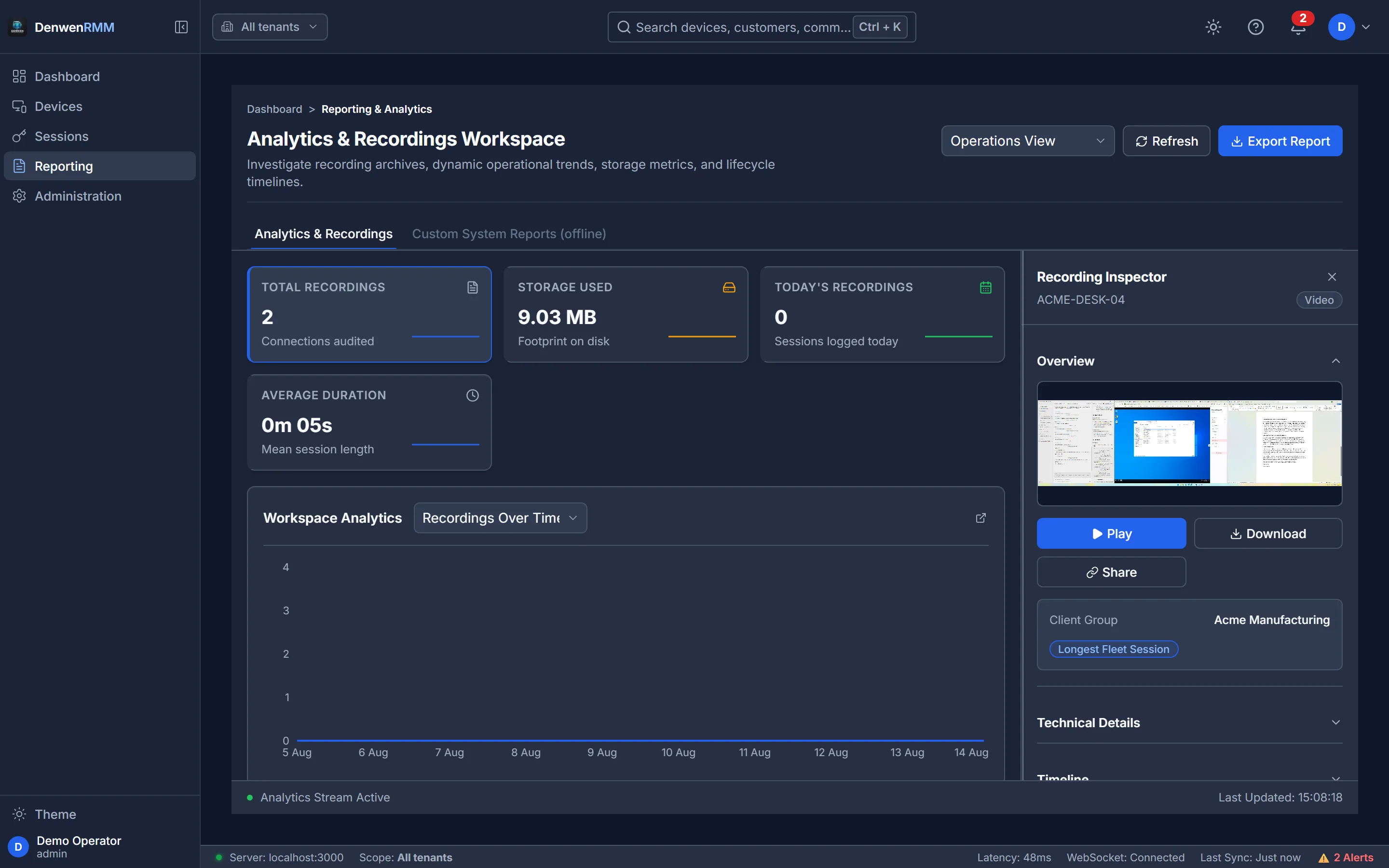
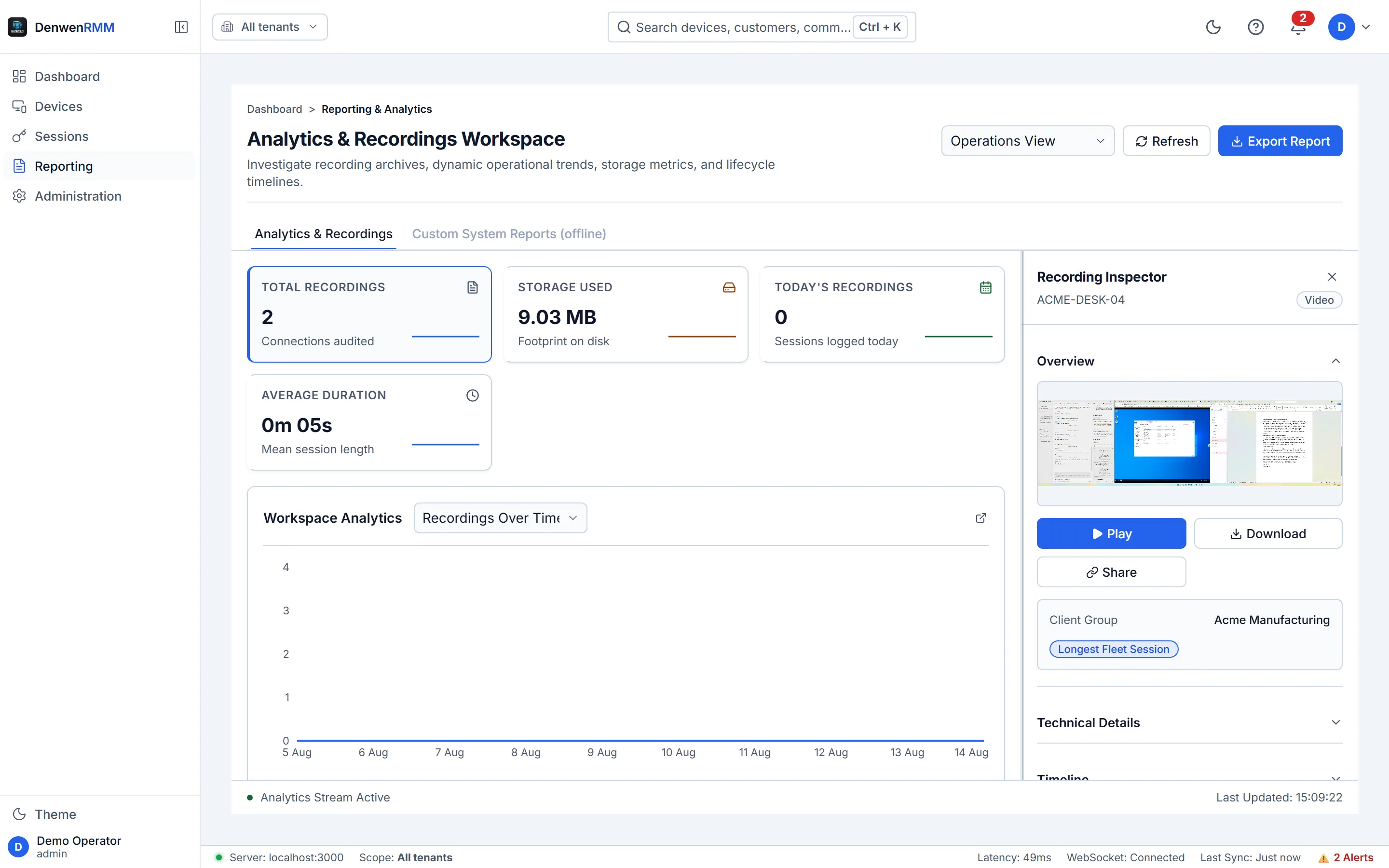
An alert nobody received is not an alert.
Thresholds per metric and severity, delivered by email or signed webhook — with a delivery history that records whether the message actually left the building, and a de-duplication rule so one incident is one page rather than forty.
- Continuous telemetry rather than sampling when a page opens
- Delivery recorded per channel, with the response code
- Per-tenant mail relay, so a client’s alerts leave through their own
- An endpoint that stops reporting is stated, not left as a gap
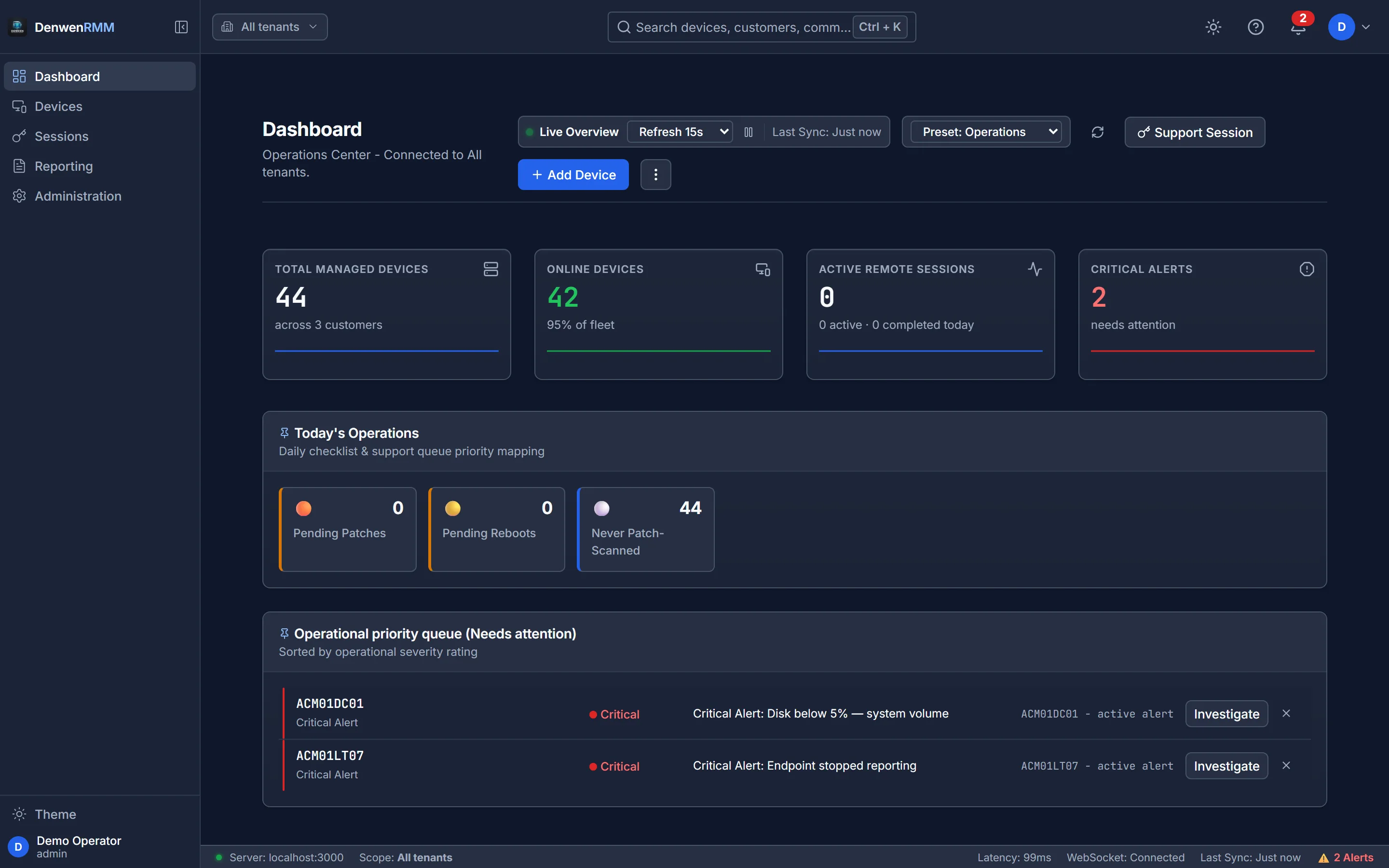
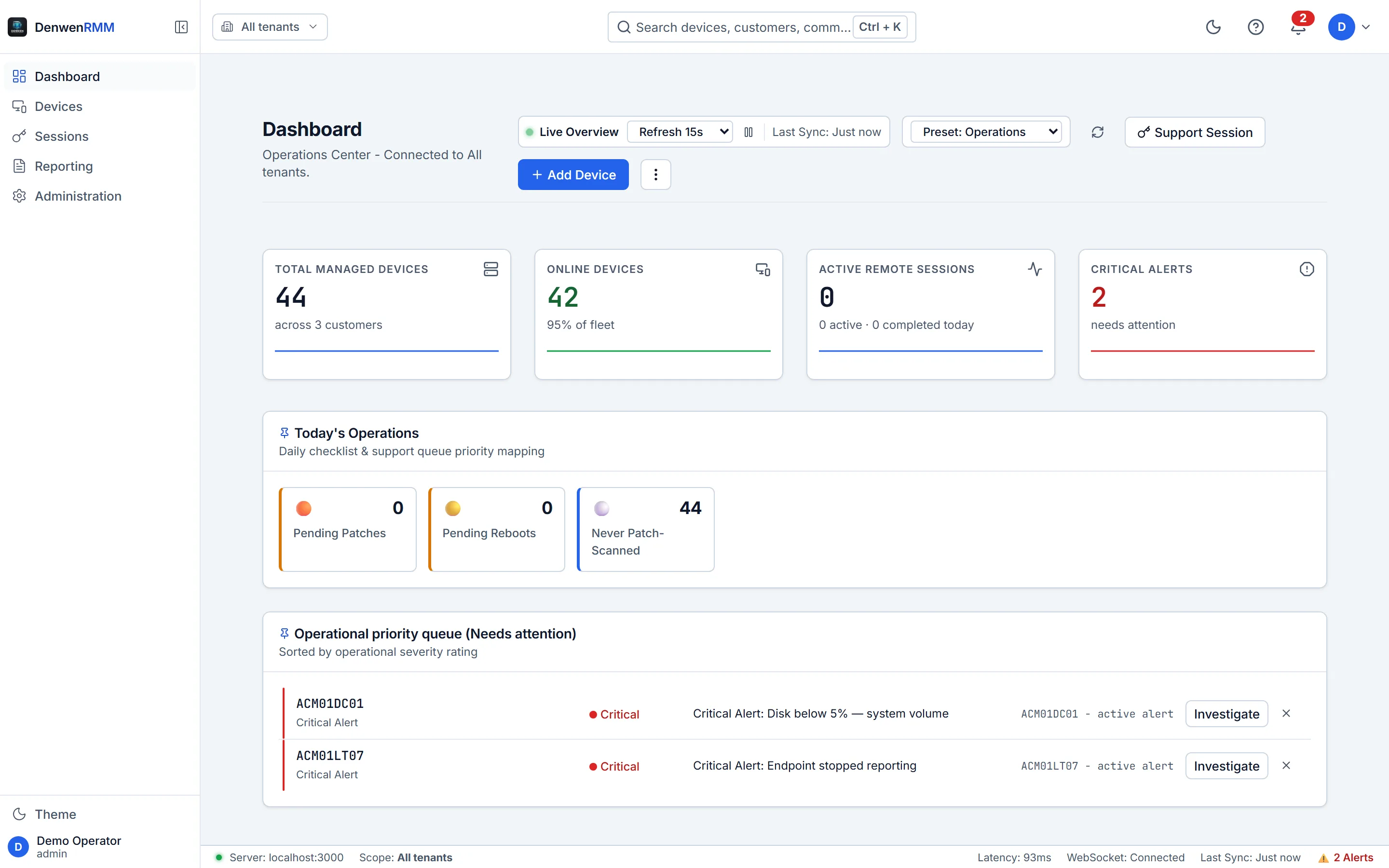
Thirty clients, and no path between any two of them.
Every client is a tenant with its own customers, sites, operators, roles, alert rules, mail relay, retention policy and identity provider. The boundary is applied in the query, not to the results — so a route that forgets returns nothing rather than everything.
Asking about another tenant’s device returns no such device. A “forbidden” would confirm it exists, which turns an API into a way of counting a competitor’s estate.
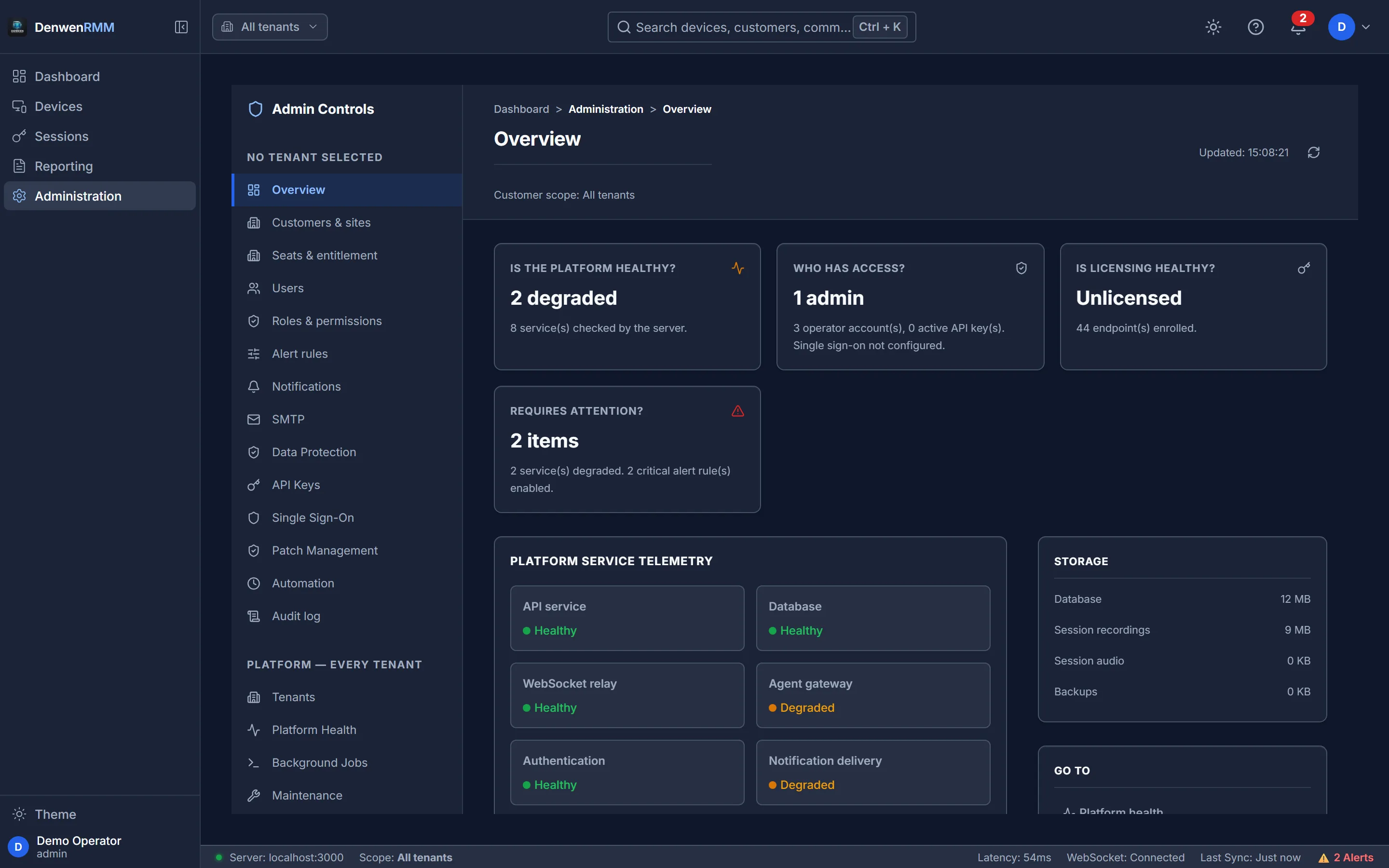
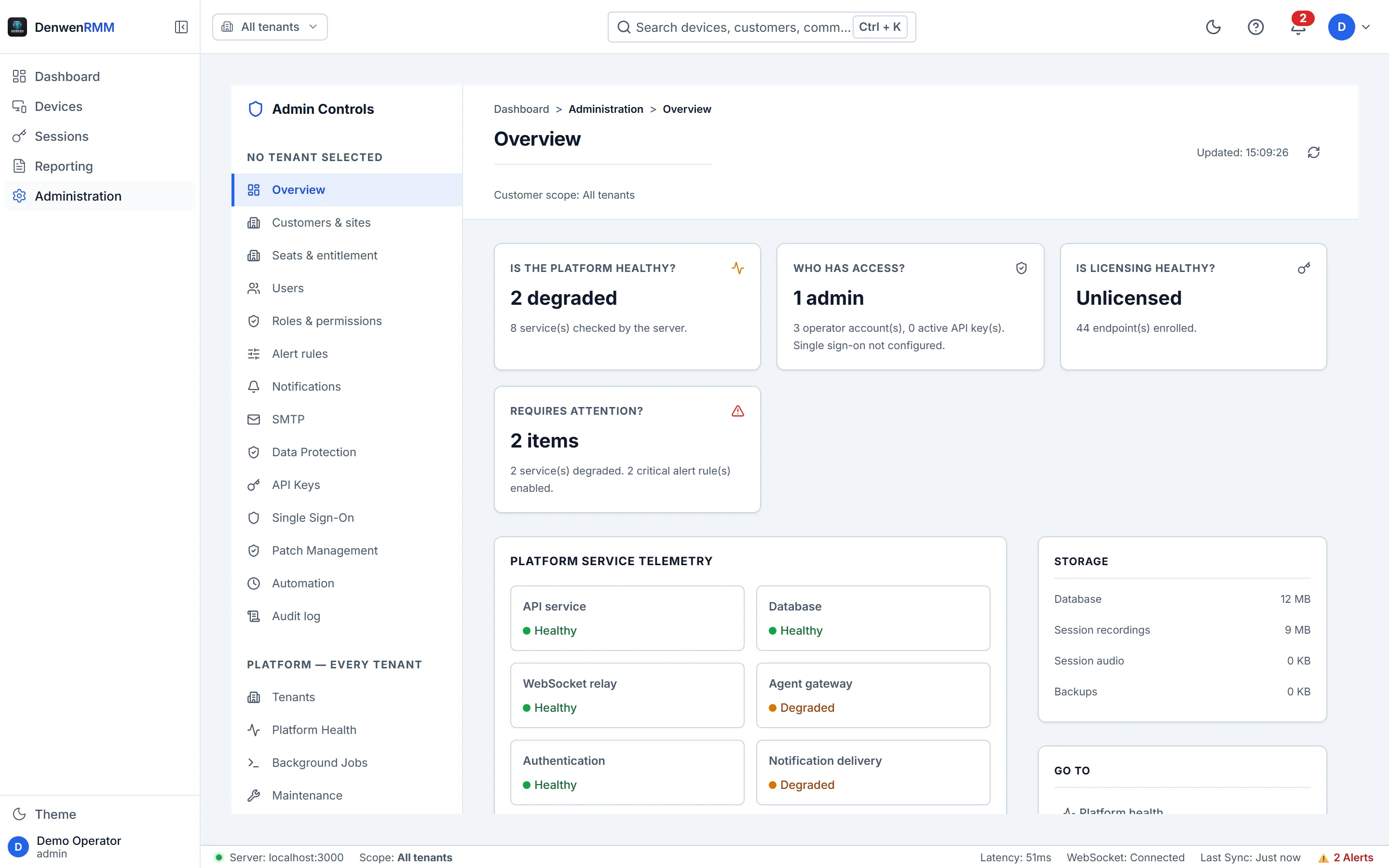
Everything else an estate needs.
Judged on the day something breaks at four o'clock on a Friday, these are the parts that matter then.
Monitoring
CPU, memory, disk, services, processes and event logs, arriving continuously — with rules you set and delivery you can prove.
Remote control
Unattended and attended sessions. Multiple monitors, clipboard both ways, file transfer, and the keys the OS reserves.
Patching
Scan, schedule, deploy and evidence it afterwards — inside a maintenance window you choose, per tenant.
Automation
A shared script library and scheduled tasks, with the run history, the exit codes and the output kept.
Software
Full inventory with versions and install dates, and remote uninstall when a licence review says it should go.
AI, on your terms
Ours or your own. With your own model configured, no third-party model provider ever sees your data.
Three differences of kind, not of feature count.
Plenty of platforms do the same jobs. These are the structural choices that decide whether this one can be used at all in some environments.
You can buy it today
Choose a tier, pay by card, and the platform builds your organisation while the receipt is still on screen. No discovery call, no order form, no waiting for a tenant to be provisioned by somebody’s Tuesday.
The price is on the page
No quote, no discovery call before a number. You can budget a bid on a Friday afternoon without booking anything, and the volume bands are published too.
AI you are allowed to use
Point it at your own model and no third-party model provider ever sees your data — the prompt goes from the platform to an endpoint you control and nowhere else. For an MSP with a client under legal or clinical confidentiality, that is the difference between using the feature and switching it off.
Comparing seriously? Check the current details with every vendor including us — feature lists and prices move, and a comparison written by one side is worth what you paid for it.
Two quite different jobs, one platform.
Managed service providers
Per endpoint rather than per technician, so growing a team costs nothing and a large low-touch client stays economic. Onboard one in an afternoon: a tenant, a site, an installer.
Internal IT teams
No tenancy to model and no hierarchy to design. Put the agent on the estate in an afternoon and get the patch position of every machine without walking to any of them.
See it on your own estate
A trial runs on your real endpoints, not a sandbox, and needs no payment details. Install the agent on ten machines and judge it on what it reports back.